

Portfolio project
YTB Superchat
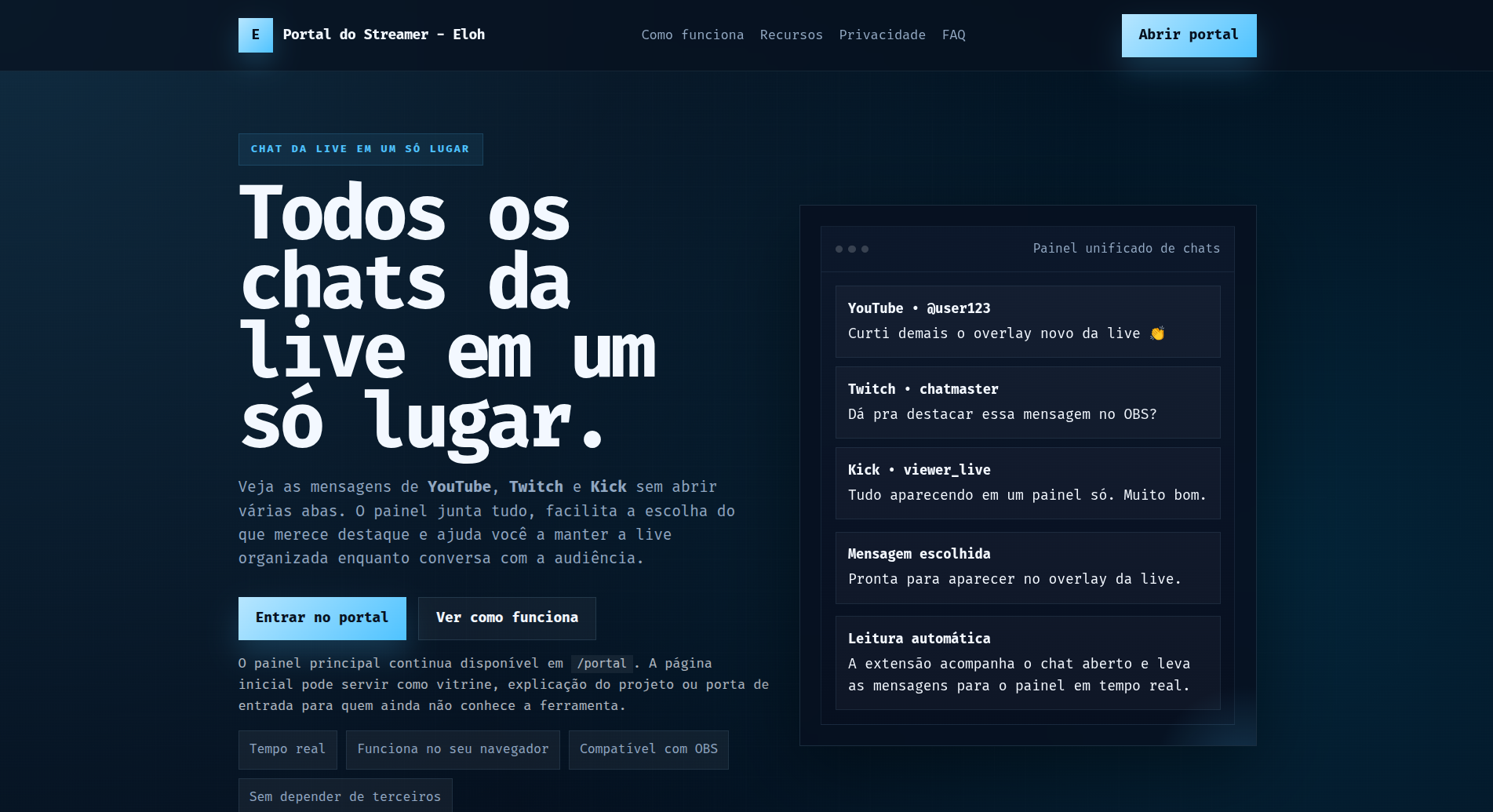
A control room for streamers: it captures live chat messages, organizes them in a web dashboard, and sends highlighted messages to an OBS overlay in realtime.
What it is
This project is published as a product-and-engineering portfolio case. It shows end-to-end integration across a browser extension, a static frontend, and a Go backend with realtime updates.
Repository: github.com/ericklucioh/ytb-superchat
The problem it solves
Streamers often bounce between multiple chat windows, moderation tools, and OBS sources. YTB Superchat reduces that friction by turning capture, moderation, and message highlighting into one workflow.
The main documented flow today is:
- YouTube live chat;
- Twitch pop-out chat;
- a backend-served overlay consumed by OBS.
Kick support exists in the extension codebase, but the repository itself treats it as secondary until it is validated in the target environment.
Architecture
3 parts
extension, static portal, and Go backend separated by responsibility
Realtime
WebSocket
overlay state is published per session and updated live
Delivery
OBS-ready
promoted messages become an overlay available through a browser-source URL
Quality
Build + tests
build scripts, frontend/extension tests, and go test for the backend
How the architecture works
The system is intentionally split into three layers:
Browser extension
- reads the DOM of supported chat pages;
- normalizes message events;
- forwards data into the local dashboard bridge.
Portal / dashboard
- receives and organizes captured chat events;
- keeps filters and UI state in the browser;
- lets the streamer choose which message should appear on screen.
Go backend
- stores the latest overlay state per session;
- exposes HTTP endpoints for sessions and events;
- broadcasts changes over WebSocket;
- serves the
/overlay?session=...URL used by OBS.
Important separation
The repository documents two session concepts: one that links the extension to the dashboard, and another for the overlay itself. That separation prevents local capture flow and OBS display flow from overwriting each other.
Main flow
- The extension observes a supported chat page.
- Messages are extracted and converted into a consistent payload.
- The dashboard receives those events and organizes local moderation.
- The streamer selects a message to highlight.
- The portal sends that payload to the backend.
- The backend updates session state and notifies connected clients.
- OBS consumes the overlay and reflects the change in realtime.
Stack and engineering
- JavaScript + Chrome Extension for chat capture and local bridging.
- Static portal for the dashboard and selection workflow.
- Go 1.22 for session state, HTTP API, and WebSocket fanout.
- Automated build and test scripts covering frontend, extension, and backend.
- Local mock mode to iterate on layout and UX without relying on live chat all the time.
Assumed tradeoffs and limitations
The repository is explicit about the current public-version limits:
- capture depends on the DOM structure of supported platforms;
- backend session state is stored in memory;
- the default setup is better suited for demos, local development, and self-hosting;
- real production hardening would require authentication and a trusted edge in front of the backend.
Why this is strong portfolio material
The strength of this project is not a single screen. It is the coordination between extension capture, UI workflow, shared session state, realtime delivery, and final output into OBS.
What I would highlight in a portfolio
- integration between a browser extension, web frontend, and Go backend;
- clear responsibility boundaries and state design;
- realtime overlay delivery for a real streaming use case;
- public documentation covering architecture, security, and limitations;
- a practical product-focused build instead of a purely visual demo.